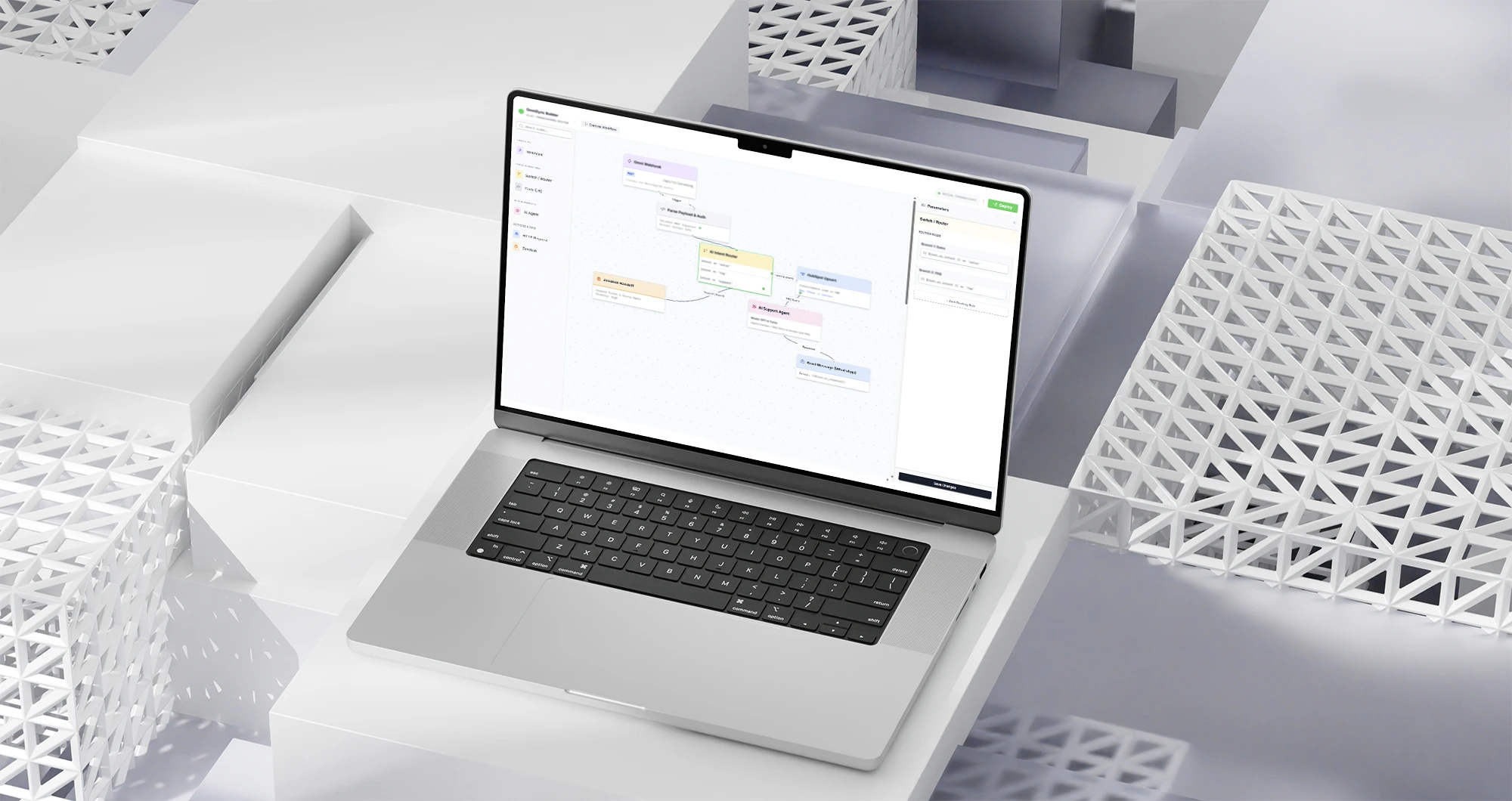
Connect ERP, CRM, payment providers and the tools your team already uses. Inky builds integrations and APIs so information is entered once and reaches the people who need it ready to use, with failures handled and monitoring in place.
Tell us which systems need to talk to each other and what is done by hand today. That is our first conversation.
When it makes sense
When integration solves the problem
The tools work. The effort lies between them: someone copies, checks and passes on what one system already knew. Integration makes sense when that work repeats every day.
The same data is typed into more than one system
The order starts on the website, is entered into the ERP and copied to a spreadsheet. Each copy takes up the team's time and opens room for mismatched records.
Reports depend on stitching spreadsheets together
To close the month or answer a question from the board, someone exports files from each tool and builds the picture by hand. With connected systems, the indicator comes straight from the data.
An error only shows up when the customer complains
When information fails to reach the next system, nobody is notified. A well-built integration logs every exchange, retries when something fails and alerts the team.
What we connect
Integration starts with the workflow that costs the team the most
We map where information flows today, which systems allow connections and what needs to reach each stage. From there, we define the first workflow to integrate.
ERP, CRM and internal systems
Records, orders, proposals and statuses synchronized across the company's tools, so every department works with the same information.
Payments, logistics and sales channels
Payment providers, shipping, marketplaces and the online store linked to the management system, from order to payment reconciliation.
Customer service and contact channels
Forms, WhatsApp and email recording in the CRM what the customer said, with the history available to whoever follows up.
A documented API for partners and other systems to query and send data securely. When the old system has no ready-made connection, we assess the possible path before proposing a replacement.
E-commerce and visual identity built from scratch for fast conversion
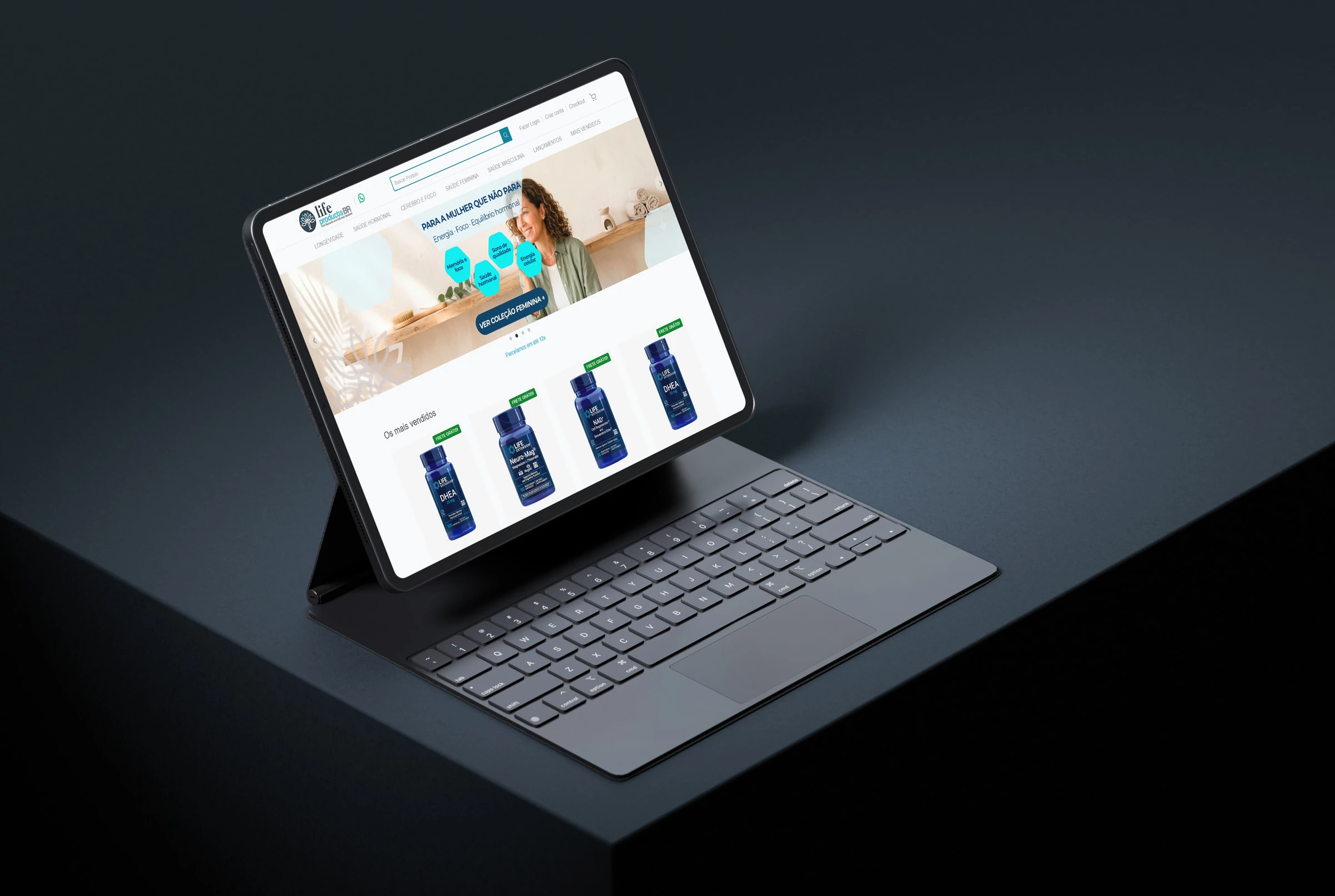
Visual identity, social media content and the online store for Life Extension supplements in Brazil, with payment, shipping and support connected to the store.
We assess whether integration is really the best path
Not every data exchange calls for development. In the first conversation, we check what your tools already offer and where a custom integration is justified.
It makes sense when
Your current systems serve each department well, and the problem is passing information between them.
The tools offer an API, webhooks or another documented way to connect.
The volume of orders, records or service requests makes manual checking expensive or risky.
Another path may be better when
A ready-made connector from the vendor already handles the data exchange. In that case, we recommend that path.
The process still changes often. It is worth stabilizing the workflow before automating the handoff.
The current system no longer serves the operation. The conversation becomes about custom software.
Process
How we run an integration
01
We map the systems and the workflow
We identify which tools take part in the process, what data each one holds, who uses it and where manual copying happens today. We also check what each system allows us to connect.
02
We define the first workflow
We choose the information handoff with the greatest impact on the routine and set the scope. The proposal presents deliverables, dependencies, investment and the criteria for evaluating what was delivered.
03
We build with failure handling
We develop the integration with a log of every exchange, retries when a system is unavailable and alerts for the team. Validation uses real data and situations from the operation.
04
We follow the operation
Going to production covers access, monitoring and the agreed support terms. New workflows and systems come in stages with their own scope.
Team
A team organized around your project
Inky brings together the professionals each delivery requires, with leadership in discovering the problem, designing the solution and following the project through.
You know what is being built, which decisions need your team and how each stage will be validated. The proposal and the scope set out these responsibilities from the start.
Frequently asked questions
Questions before hiring
Do I need to replace the systems I already use?
Usually not. Integration work starts from the tools the company already uses. Replacement only comes up when a system cannot be connected or no longer serves the process, and that assessment happens before any proposal.
What if my system has no API?
There are other paths, such as scheduled exports, database access or vendor connectors. Feasibility depends on each tool's capabilities, permissions and terms, and it is checked at the start of the project.
What is the difference between a ready-made connector and a custom integration?
A ready-made connector handles simple, standardized exchanges, and it is often the best path when it fits. A custom integration comes in when there are business rules in the middle, high volume, more than two systems involved or a need to handle failures and audit what was exchanged.
What happens when one of the systems goes down?
The integration is designed to log the failure, retry and alert the team when intervention is needed. The behavior in each situation is defined in the scope, according to how critical the workflow is.
How much does it cost and how long does it take?
It depends on the number of systems, the integration capabilities available, the data volume and the rules involved. Once we understand the workflow, we define a first scope with investment and timeline. More complex scenarios may require a dedicated diagnosis stage.
What about security and data protection?
Data travels over protected connections and access follows the least privilege needed. When personal data is involved, the workflow covers purpose, retention and logging of operations, as defined with your company.
Contact us
From your message to a proposal, in three steps.
01
A reply within 24 business hours
A specialist reads your message and replies to the email you provided. Business hours in Brasília time (UTC−3).
02
Discovery call
We understand the operation, the systems it already uses and what needs to change.
03
Proposal with scope
Within 2 business days of the conversation, you receive the scope, timeline and investment.
Tell us which tools the company uses, what is copied by hand today and where information gets lost. We will understand the workflow and assess a first integration.